


GPU vs CPU for Gaming: What Actually Matters in Real Games
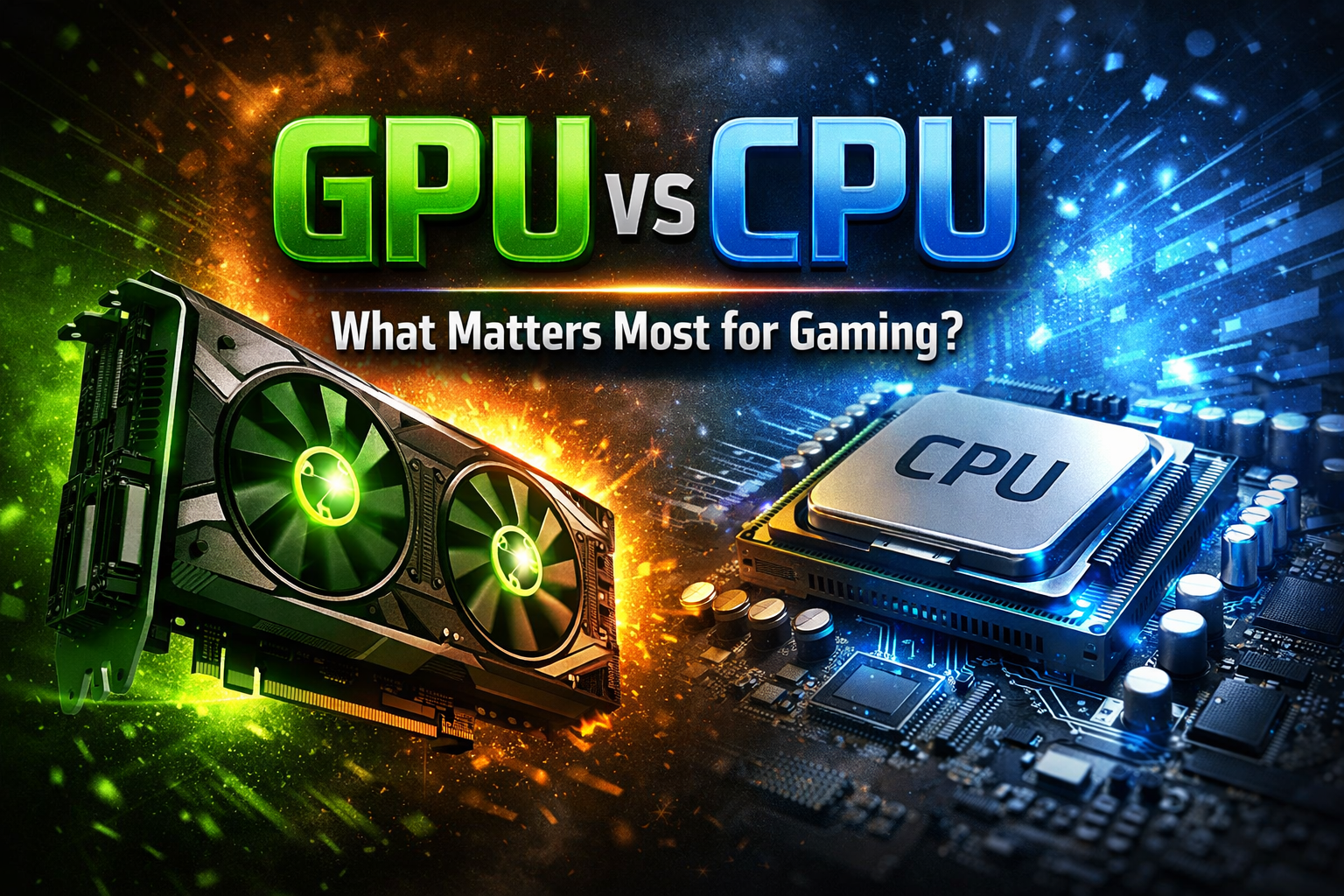
If you are planning a custom gaming PC, one of the most common questions is whether the GPU or CPU matters more.
It sounds simple, but the real answer depends on how games actually use hardware. Modern game performance is not determined by a single component. It is the result of how well the CPU and GPU work together, and more importantly, which one becomes the limiting factor.
Understanding that balance is the key to building a gaming PC that performs properly, rather than one that looks powerful on paper but underdelivers in real games.
The Core Difference Between CPU and GPU
At a basic level, the CPU and GPU handle completely different types of work.
The CPU is responsible for simulation. It processes game logic, AI behaviour, physics calculations, input handling, and the preparation of draw calls. It determines what is happening in the game world.
The GPU is responsible for rendering. It takes the instructions prepared by the CPU and turns them into the images you see on screen, handling lighting, textures, shadows, and post-processing effects.
Both are essential, but they operate in sequence. The CPU prepares the frame, and the GPU renders it.
If either one falls behind, performance drops.
What “Bottlenecking” Actually Means
The term bottleneck is often overused, but in gaming it has a very specific meaning.
A bottleneck occurs when one component limits the performance of the entire system. In most cases, this will be either the CPU or the GPU.
If the CPU cannot prepare frames fast enough, the GPU sits idle waiting for instructions. This is known as being CPU limited.
If the GPU cannot render frames fast enough, the CPU finishes its work early and waits. This is known as being GPU limited.
In real gameplay, every system is always limited by something. The goal is not to eliminate bottlenecks completely, but to ensure the system is balanced for your intended use.
When the GPU Matters More
In most modern games, especially at higher resolutions, the GPU is the dominant factor.
As resolution increases, the number of pixels that need to be rendered rises dramatically. This places a much heavier load on the graphics card.
At 1440p and especially at 4K, performance is usually determined by how powerful the GPU is. This is why upgrading the graphics card often delivers the biggest gains in visual quality and frame rate at these resolutions.
High graphical settings such as ray tracing, high resolution textures, and advanced lighting effects also scale almost entirely with GPU performance.
For players focused on visual fidelity, the GPU is usually the most important investment.
When the CPU Matters More
The CPU becomes more important when the system is trying to produce very high frame rates or when the game relies heavily on simulation.
At lower resolutions such as 1080p, the GPU can render frames very quickly, which shifts the workload onto the CPU. In these situations, the processor determines how many frames can be prepared per second.
Competitive games often fall into this category. Players targeting 144 Hz or 240 Hz gameplay are often limited by CPU performance rather than GPU power.
The CPU is also critical in games with complex simulation systems. Large open world games, strategy titles, and simulation-heavy environments place a constant load on the processor.
In these cases, stronger CPU performance improves frame consistency and minimum frame rates.
The CPU is also increasingly important to run multiple processes simultaneously, such as for example automation software for mobile games, overlays for games like crosshairs, watching tutorials at the same time as you're playing, etc..
Resolution Changes Everything
One of the most important factors in the GPU vs CPU debate is resolution.
At 1080p, systems are more likely to be CPU limited because the GPU is not fully stressed. This makes CPU performance more visible, particularly in high refresh rate scenarios.
At 1440p, the workload becomes more balanced. Both the CPU and GPU contribute meaningfully to overall performance.
At 4K, the GPU almost always becomes the limiting factor. The sheer number of pixels means the graphics card is doing the majority of the work.
This is why two identical systems can behave very differently depending on the resolution they are running.
Frame Rate vs Visual Quality
Another way to understand the balance is to separate frame rate from visual quality.
If your goal is higher frame rates, especially in competitive games, the CPU plays a larger role. It determines how quickly frames can be prepared and how consistent frame times are.
If your goal is higher visual quality, the GPU becomes more important. It controls how detailed and visually complex each frame can be.
Most gaming setups involve a combination of both, which is why balance is so important.
Why Balance Matters More Than Raw Power
One of the biggest mistakes people make when choosing components is overinvesting in one area while neglecting another.
A very powerful GPU paired with a weak CPU can result in lower than expected performance because the processor cannot keep up. The GPU ends up underutilised.
On the other hand, a high end CPU paired with a weaker GPU will not deliver high frame rates at demanding settings because the graphics card becomes the limiting factor.
Balanced systems deliver better real world performance because neither component is significantly holding the other back.
This is especially important when configuring a custom gaming PC, where every part should contribute meaningfully to the overall performance.
Modern Games Blur the Line
Modern game engines are becoming more complex, and the line between CPU and GPU workloads is not always clear.
Technologies such as ray tracing increase GPU load significantly, while advanced simulation systems increase CPU demand. Features like upscaling can shift some of the workload back toward the GPU.
At the same time, CPUs are improving in areas such as cache and memory handling, which can have a noticeable impact on gaming performance.
This means that both components are evolving, and the balance between them is constantly shifting depending on the game and settings.
Practical Guidance for Choosing Components
When deciding how to allocate your budget, it helps to think in terms of use case rather than individual specifications.
If you primarily play competitive games and care about very high frame rates, prioritising a strong CPU alongside a capable GPU will deliver the best results.
If you are focused on visually demanding single player games at higher resolutions, investing more heavily in the GPU will have a greater impact.
For most users, the ideal setup sits somewhere in the middle, where both components are well matched and neither becomes a significant limitation.
Final Thoughts
The question of GPU vs CPU is not about choosing one over the other. It is about understanding which component matters more for your specific use case.
The CPU determines how fast the game world runs. The GPU determines how that world looks.
Real gaming performance comes from the interaction between the two.
When building or buying a custom gaming PC, the goal should always be balance. A well-matched system will deliver smoother gameplay, more consistent frame rates, and a better overall experience than a system that simply prioritises one component over everything else.
Understanding that balance is what separates an average gaming PC from one that performs exactly as it should.
Tarl @ Gamertech